
From one idea to ready-to-publish content.
Be Social is being designed around a four-step workflow that brings content creation, brand consistency, scheduling, and engagement into a single process — keeping you in control at every stage.

Connect your channels
Choose the supported social accounts your business plans to manage from one workspace.
- Select from planned supported networks: Facebook, Instagram, X, LinkedIn, Threads, Discord, TikTok, YouTube, and Pinterest
- Connection availability will depend on each platform's API access and approval requirements
- Organize connected accounts by brand, client, or project for multi-brand workflows
Set your brand voice
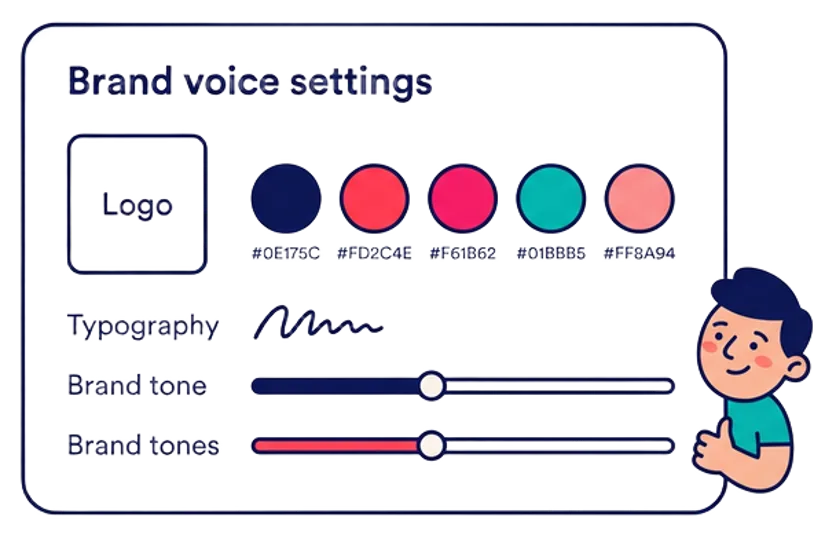
Define tone, audience, visual preferences, and reusable brand guidance so every draft starts from a stronger foundation.
- Document your brand tone: professional, friendly, authoritative, casual, or any combination
- Define target audiences and the language that resonates with each segment
- Store terminology, phrases to use, and phrases to avoid
- Save approved logos, brand colors, and visual assets for consistent media preparation
Create and adapt
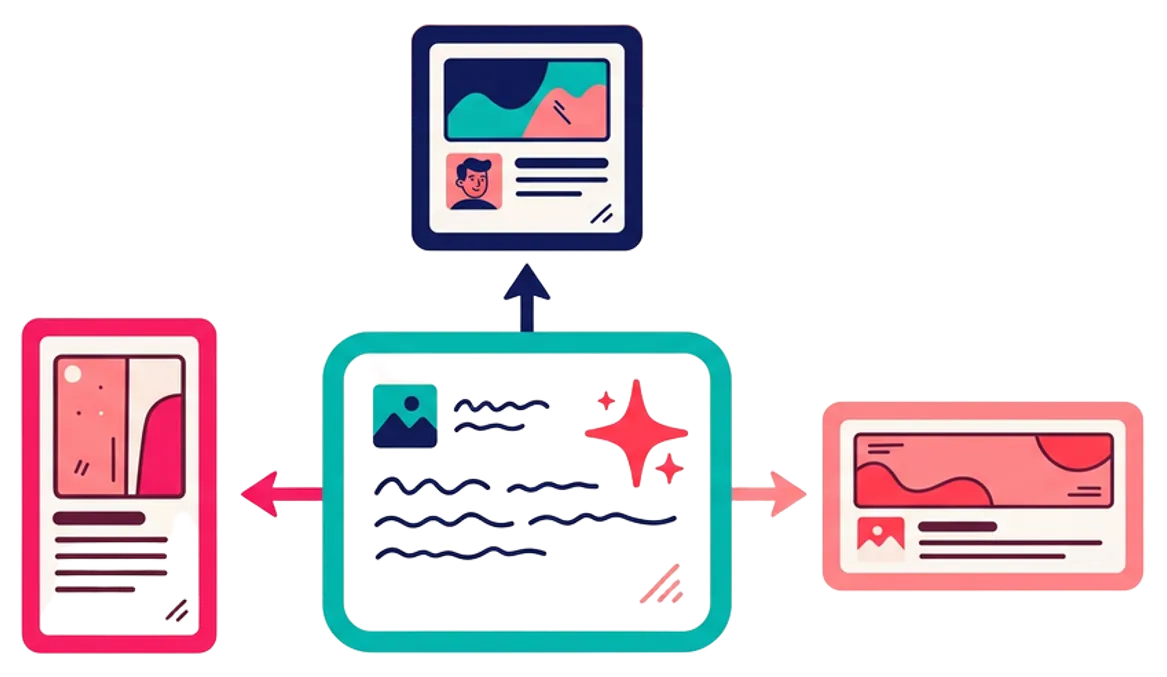
Write or generate a draft, add media, then tailor each version to its destination platform.
- Start from a content brief, an AI-generated draft, or a manual entry
- Add images, video, or AI-generated media to support the message
- Create platform-specific variations: adjust copy length, tone, format, and media crops
- Apply brand overlays, QR codes, and campaign branding to visual content
Schedule, publish, and engage
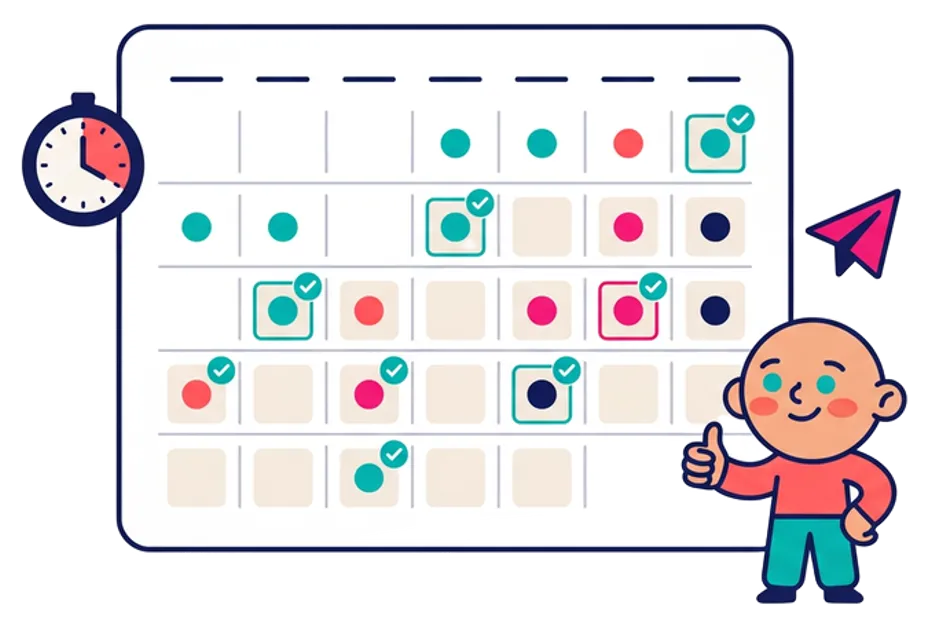
Review everything, choose timing, track publishing status, and respond as integrations support it.
- Place approved content on a visual calendar organized by date, campaign, and channel
- Review each destination, choose the intended date and time, and track publishing status as supported integrations become available
- Track publishing confirmations and status updates as integrations become available
- Bring supported engagement activity into a clearer workflow. Exact comment reading and reply capabilities will depend on each network's permissions and API access

AI assists. Your business approves.
The planned workflow keeps the user in control at every stage. AI may assist with ideas, drafts, media creation, and hashtag suggestions, but users are expected to review and approve all content before it is published to any channel. Nothing goes live without a human decision.
What changes by platform
Each social network has its own requirements. Be Social is designed to help you prepare the right version for each destination.
| Aspect | Why It Matters |
|---|---|
| Copy length and structure | Character limits, paragraph style, and call-to-action conventions differ by network |
| Media formats | Dimensions, aspect ratios, file types, and carousel support vary per platform |
| Publishing permissions | Each network has its own API scopes, approval processes, and posting capabilities |
| Engagement access | Comment reading, reply capabilities, and notification types differ by integration |
| Scheduling behavior | Queue processing, time-zone handling, and rate limits are platform-specific |
Questions about how Be Social works
No. The planned workflow allows businesses to focus on the supported channels that fit their audience and content strategy.
The product direction includes manual writing and uploaded content alongside AI-assisted options. AI should support the workflow, not become a requirement for every post.
Users will be able to define reusable guidance such as tone, audience, terminology, calls to action, and words to avoid so future drafts begin closer to the brand.
Yes. The planned workflow emphasizes previewing and approving each destination-specific version before publishing.
Scheduling is a planned core capability. Exact networks, timing options, and publishing behavior will depend on supported integrations and platform permissions.
The planned engagement workflow is intended to help users review and respond where supported. Be Social should not promise fully automatic replies or remove the need for human judgment.

Explore the tools behind the workflow.
See the full set of features designed to power each step of your social media content process.